
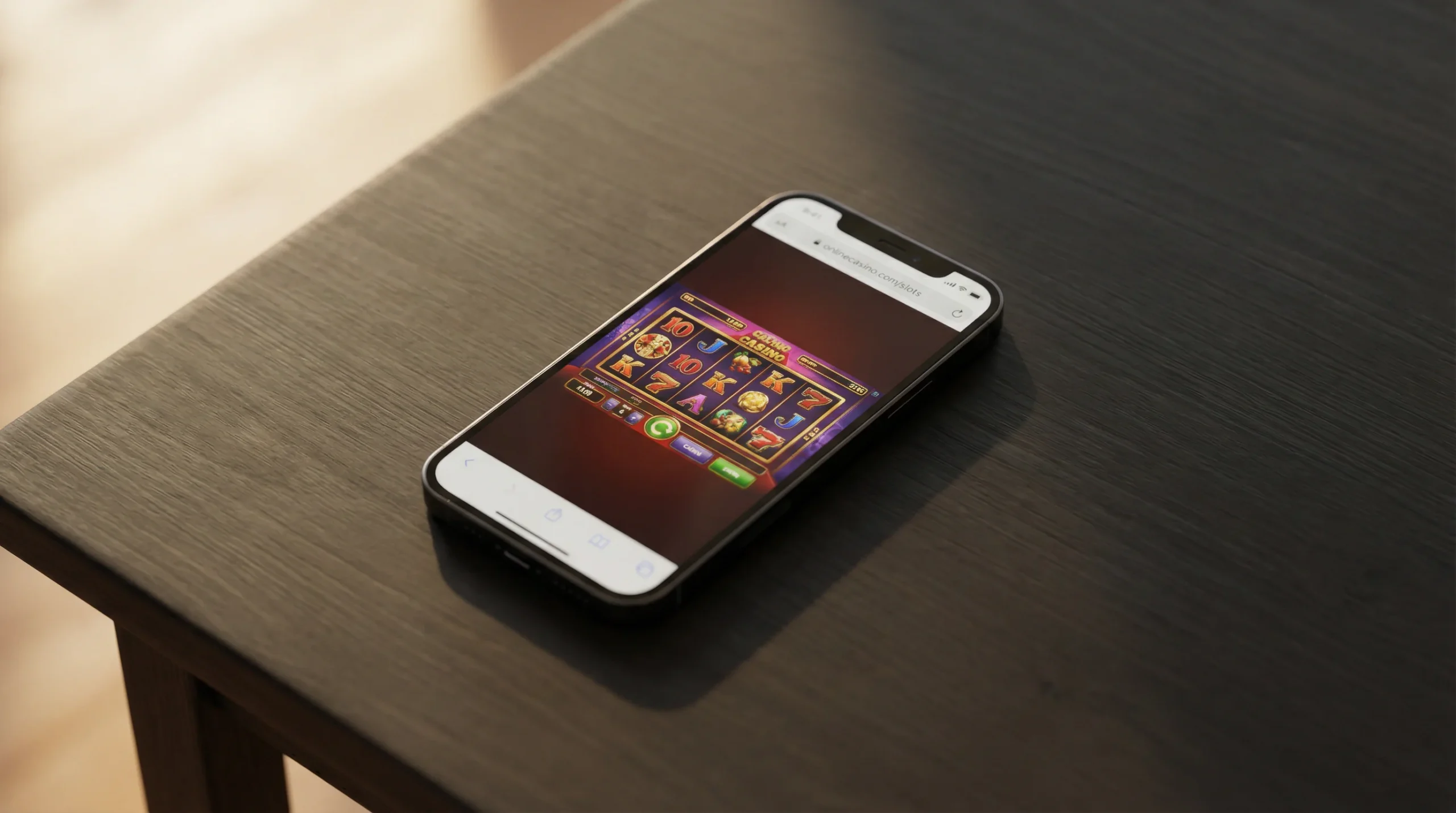
iPhone Users Don’t Get Casino Apps — Here’s Why
Apple’s App Store policy blocks non-UKGC gambling apps entirely. Unlike Android, which allows sideloading through APK files, iOS maintains strict control over software installation. Every application on an iPhone must come through the App Store (or, in limited cases, through enterprise distribution or the EU’s alternative marketplace provisions, neither of which applies to offshore gambling). Apple’s gambling app policy for the UK requires operators to hold a valid UKGC licence before their app can be listed. Non-GamStop casinos do not meet this criterion, and Apple provides no sideloading mechanism to bypass it.
This means there is no legitimate way to install a dedicated non-GamStop casino app on an iPhone. Any site claiming to offer an iOS app for an offshore casino is either misleading (providing a web shortcut rather than a native app), referring to a different market where different rules apply, or distributing software through unofficial channels that may compromise your device’s security. The rare exceptions — enterprise-signed apps distributed outside the App Store — are technically possible but violate Apple’s developer agreement and can be remotely disabled by Apple at any time, potentially locking you out of the app mid-session with funds in your account.
The practical consequence is straightforward: iPhone users access non-GamStop casinos through Safari (or another iOS browser). This is not a compromise or a workaround — it is the primary and intended mobile experience for iOS users at offshore casinos. The vast majority of non-GamStop casinos are built as responsive web applications specifically because they cannot rely on app store distribution for a significant portion of their player base. The browser is not a fallback. It is the platform.
For UK iPhone users, this situation eliminates the security concerns associated with APK sideloading on Android. There is no file to download, no permissions to grant, no risk of malicious software installation. The casino runs entirely within Safari’s security sandbox, with no access to your device beyond what the browser permits. The trade-off is the loss of native app features — push notifications, home screen badge counts, and certain performance optimisations — but the security simplicity is a genuine advantage.
Safari Browser Play — The Default iOS Casino Experience
Safari handles HTML5 games well, but has quirks with fullscreen and notifications. Understanding Safari’s specific behaviour as a casino platform helps you optimise the experience and avoid the minor frustrations that catch new mobile casino players off guard.
Game performance in Safari on modern iPhones (iPhone 12 and later) is excellent for the vast majority of casino games. Slots, table games, and even live dealer streams render smoothly, with frame rates and responsiveness that are indistinguishable from a dedicated app. Apple’s custom chips (A-series and M-series) provide substantial processing power for the HTML5 game engines that online casinos use, and Safari’s JavaScript performance is competitive with Chrome on Android. Game load times — the delay between tapping a game thumbnail and the game being playable — are typically two to five seconds on a stable connection, which is comparable to the app experience on Android.
Fullscreen behaviour is Safari’s most notable quirk for casino play. When you launch a game in Safari, the browser’s address bar and navigation controls remain visible, reducing the available screen area. Some casino sites trigger a fullscreen mode that hides the Safari chrome, but this is inconsistent — it depends on how the casino’s web interface is coded, and some games launch in fullscreen while others on the same platform do not. Rotating your iPhone to landscape mode typically triggers fullscreen more reliably for games that support it, and many slot games are designed with landscape play in mind.
Notifications are not available through Safari in the same way they are through a native app. Web push notifications — the browser-based notification system that works on desktop and on Android — have limited support on iOS. Apple has been gradually expanding web notification capabilities through Safari, but the implementation remains inconsistent, and many non-GamStop casinos have not adopted the feature. For promotional alerts and bonus notifications, you will typically rely on email rather than push notifications from the casino.
Tab management is a practical consideration. Safari allows multiple tabs, and it is common to have a casino session open alongside other browsing. However, iOS aggressively manages memory, and inactive tabs may be purged from RAM when other applications need resources. If you switch away from a casino game in Safari to use another app for an extended period, you may return to find the game has reloaded or your session has disconnected. For live dealer games, where timing matters, minimising tab switching during active play avoids unwanted interruptions.
Add to Home Screen — Creating a PWA Casino Shortcut
A home screen shortcut gives you app-like access without an actual app. Safari on iOS supports adding any website to your home screen as a Progressive Web App (PWA), which creates an icon that launches the site in a standalone window — without Safari’s address bar, tabs, or navigation controls. For non-GamStop casinos, this is the closest iPhone equivalent to a dedicated app, and the process takes about fifteen seconds.
To create a PWA shortcut: open the casino’s website in Safari, tap the share icon (the square with an upward arrow at the bottom of the screen), scroll down and tap “Add to Home Screen,” then customise the name if desired and tap “Add.” The casino now appears as an icon on your home screen, visually indistinguishable from any other app. Tapping it launches the casino in a standalone browser window without Safari’s interface chrome, providing a fullscreen experience that feels native.
The PWA approach has genuine functional advantages over regular Safari browsing. The standalone window provides more screen space for games, which is particularly noticeable on smaller iPhones. The casino stays as a distinct “app” in your multitasking view, separate from your Safari browsing tabs. Some PWA-enabled casino sites can cache basic interface elements locally, reducing load times on repeat visits. And the visual presence on your home screen provides the same quick-access convenience that a native app would offer.
The limitations are real but manageable. PWAs on iOS cannot send push notifications in most configurations (though this is evolving with each iOS update). They do not support background processes, so they cannot run when not actively in the foreground. Storage access is more limited than a native app, meaning less asset caching and more network-dependent loading. And if Safari clears the PWA’s cached data during a storage management event, you may need to log in again on the next launch. These are inconveniences rather than barriers, and for the vast majority of casino use cases, the PWA approach delivers a satisfactory experience.
iOS Performance — How iPhones Handle Mobile Casino Games
iPhones generally outperform equivalent Android devices on game rendering. This is a broad statement with enough supporting evidence to be useful, though individual exceptions exist. Apple’s control of both hardware and software means that iOS can optimise performance in ways that Android’s fragmented ecosystem cannot consistently match. The A-series chips in modern iPhones deliver strong single-core performance, which is the metric most relevant to browser-based game rendering, and Safari’s integration with iOS allows efficient use of system resources.
Slot games — the most common casino game type — run smoothly on any iPhone from the iPhone 11 onwards. Animations, transitions, and cascade effects display without frame drops or stuttering. High-volatility slots with complex bonus round animations (Megaways cascades, multiplier reveals, expanding wilds) are where processing power matters most, and modern iPhones handle these without difficulty. Older devices (iPhone 8, iPhone X) can run most casino games but may exhibit occasional lag during graphically intensive sequences.
Live dealer streaming performs well on iOS. Safari’s handling of the adaptive bitrate streams used by Evolution, Pragmatic Play Live, and other providers is reliable, with smooth video playback and responsive betting controls. The one area where iOS performance varies is during sustained live sessions — iPhones can thermal throttle under prolonged high-demand use, which may reduce video quality after 30 to 60 minutes of continuous live casino play. This is rare on newer models with improved thermal management but can occur on older devices, particularly in warm environments.
Battery consumption during casino play is moderate. Slot sessions consume less power than video streaming but more than standard web browsing, primarily due to the continuous animation rendering. Live dealer sessions consume more power because of the active video stream. A full charge on a modern iPhone supports approximately three to four hours of active casino play, depending on the game type and screen brightness. Players planning extended sessions should keep a charger accessible — particularly for live casino play, which is the most battery-intensive format.
The Walled Garden Has a Browser-Shaped Door
Apple controls the app ecosystem. It does not control the web. The App Store’s prohibition on non-UKGC gambling apps is absolute within its domain — no non-GamStop casino will distribute a native iOS app through legitimate channels. But Safari operates independently of the App Store’s content policies, and any website accessible through a browser is accessible to iPhone users, including every non-GamStop casino on the internet.
For UK iPhone users, this means the non-GamStop mobile experience is defined by browser quality rather than app availability. Safari on modern iOS devices provides a casino experience that is functionally equivalent to what Android users get through dedicated APKs — fast game loading, responsive controls, smooth animations, and reliable live dealer streaming. The PWA shortcut adds the convenience of home screen access without the security concerns of sideloading. The practical gap between “no app available” and “full mobile experience” is narrower than Apple’s app restriction suggests.
The walled garden keeps out native apps. It does not keep out the games, the deposits, the withdrawals, or the experience. Every non-GamStop casino is one Safari visit away — no download required, no permissions needed, no security trade-offs necessary. For iPhone users, the browser is not a limitation. It is the simplest, safest, and most complete way to access the offshore casino market from an iOS device.